
How can I use TestCase Studio Pro to upload steps, screenshots, and create a bug directly in Jira?
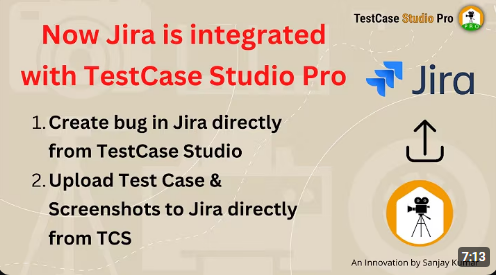
How to use: To upload steps, screenshots, and create a bug in Jira directly from TestCase Studio Pro, Follow these steps: 1. Set Up Jira Integration: Open TestCase Studio Pro and go to the settings or customization section. Select Jira as the integration option instead of TestRail Enter the required Jira information: Hostname: Copy the […]
How can I generate a stable automation script from a recorded test case using TestCase Studio?
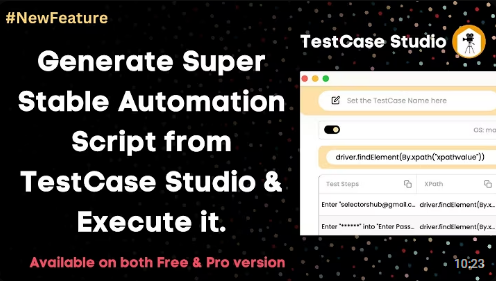
How to use: To generate a stable automation script from TestCase Studio for a recorded test case, follow these steps: 1. Start Recording: Open TestCase Studio (Pro or Free version) and start recording your actions. Perform the necessary steps on your application, such as entering an email, password. 2. Generate Script: After recording, TestCase Studio […]
How can I download test cases in separate sheets of one Excel file?
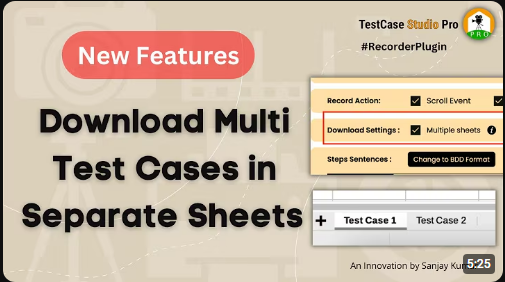
How to use:To use the feature to download test cases in separate sheets of one Excel File in TestCase Studio Pro, follow these steps: 1.Open TestCase Studio Pro and record your test cases. Each test case will be recorded as you perform actions on different websites or applications. 2.Once you have recorded your test cases […]
How can we use features to control recording actions?
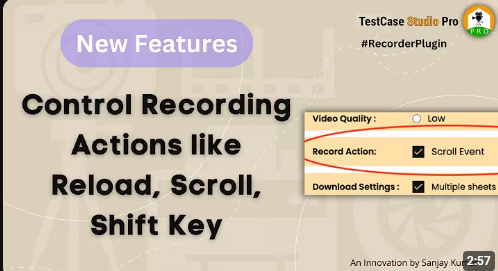
How to control the screen recording actions on TestCase Studio Pro: To control recording actions such as reloading the page, scrolling, and using the Shift key in TestCase Studio Pro first you go to customize section then you can follow these steps: Reload Page: 1.By default, reloading the page is recorded if you do not […]
How can you control the screen recording quality?
How to use : To control the screen recording quality in TestCase Studio Pro first, the user needs to adjust the settings then Follow these steps: 1. Start Recording: Begin your screen recording session as usual. 2. Access Customize Options: During the recording, click on the “Customize” option available in the TestCase Studio Pro Interface. […]
What is Data column in TestCase Studio Pro?
What is Data column in TestCase Studio Pro? September 25, 2023 In this blog post, we’ll dive into the concept of the Data Column in TestCase Studio Pro. Whether you’re new to the Pro version or have been using the free version, understanding this feature can significantly enhance your testing process. In TestCase Studio Pro, […]
How To Customise the Screenshot Quality in TestCase Studio?
How To Customise the Screenshot Quality in TestCase Studio? September 25, 2023 In this blog, we will explore how to adjust the screenshot quality settings in TestCase Studio to optimize storage space on your system. By default, TestCase Studio captures high-quality screenshots, but in scenarios where storage space is a concern, you can easily customize […]
Now Get the id and name selector in TestCase Studio automatically.
Now Get the id and name selector in TestCase Studio automatically. September 25, 2023 In the latest update to TestCase Studio Pro, we’ve introduced a feature that will significantly enhance your test case recording experience. Now, you can effortlessly obtain the ID and name selectors for elements, ensuring a smoother and more stable automation process.When […]
How to get the TimeStamp on Screenshot taken by TestCase Studio | Screenshot with Timestamp
How to get the TimeStamp on Screenshot taken by TestCase Studio | Screenshot with Timestamp September 25, 2023 In this blog, we’ll walk you through the process of adding timestamps to your screenshots captured with TestCase Studio Pro. This feature can be a game-changer, as it allows you to easily track when each screenshot was […]
How to Record Test Cases in Any Languages in TestCase Studio | Record in BDD format
How to Record Test Cases in Any Languages in TestCase Studio | Record in BDD format September 25, 2023 Record test cases in various languages using TestCase Studio Pro, all while following the Behavior-Driven Development (BDD) format. TestCase Studio Pro allows you to customize your test case statements, making it easy to work in your […]