
SelectorsHub: Now a Patented Technology 🏆
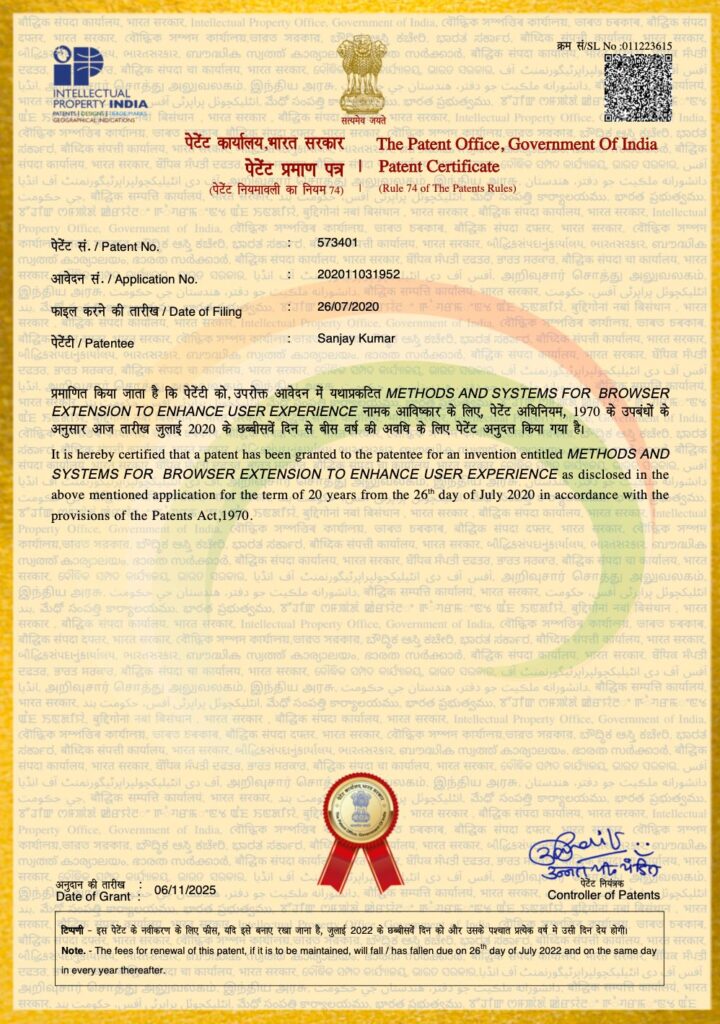
SelectorsHub Now a Patented Technology A Milestone in Test Automation Innovation We are thrilled to announce that SelectorsHub has been officially granted a patent by the Government of India! This recognition marks a significant milestone in our journey to revolutionize web automation testing and make it accessible to QA engineers worldwide. Patent Details: Patent Number: […]
🎭 Playwright Locators Made Easy — Auto-Generate & Verify Playwright Locators with SelectorsHub

🎭 Playwright Locators Now Supported in SelectorsHub! We’re thrilled to announce that SelectorsHub now officially supports Playwright Locators — bringing even more power and convenience to test automation engineers who love using Playwright for web automation and testing. This feature is available from SelectorsHub version 5.4.9 onwards. It supports all kinds of web elements iframe, […]
How to customize data in Auto Data Filler
How to customize Data in Auto Data Filler? Right click on any input or text area field. Move cursor to Auto Data Filler in context menu and click on Customize Menus and it open the customize page in new tab. Here in customize tab you can edit and update the default Auto Data Filler context […]
Automate Check My Links using Playwright
Automate Check My Links through Playwright Check My Links – Download Link CRX plugin link to get the extension folder – Download Link Please use the below code to automate Check My Links using Playwright. Kindly follow the attached tutorial below for the detailed explanation and working demo. Code to automate one Page import { […]
Is Page Load Timer Safe To use?

Is Page Load Timer Safe and Secure? Does Page Load Timer save user data? Yes absolutely, Page Load Timer is the most secured browser plugin. It runs offline in user’s local system and doesn’t save any data on any server. Page Load Timer is officially ‘Featured’ plugin at Chrome Store and it follows all the […]
Is Check My Links Safe To use?
Is Check My Links Safe and Secure? Does Check My Links save user data? Yes absolutely, it is the most secured browser plugin. Check My Links is officially ‘Featured’ plugin at Chrome Store and it follows all the recommended practices for chrome extensions. It is declared here in chrome store that it will not collect […]
Top 10 Must Have Free Browser Plugins for Every QA
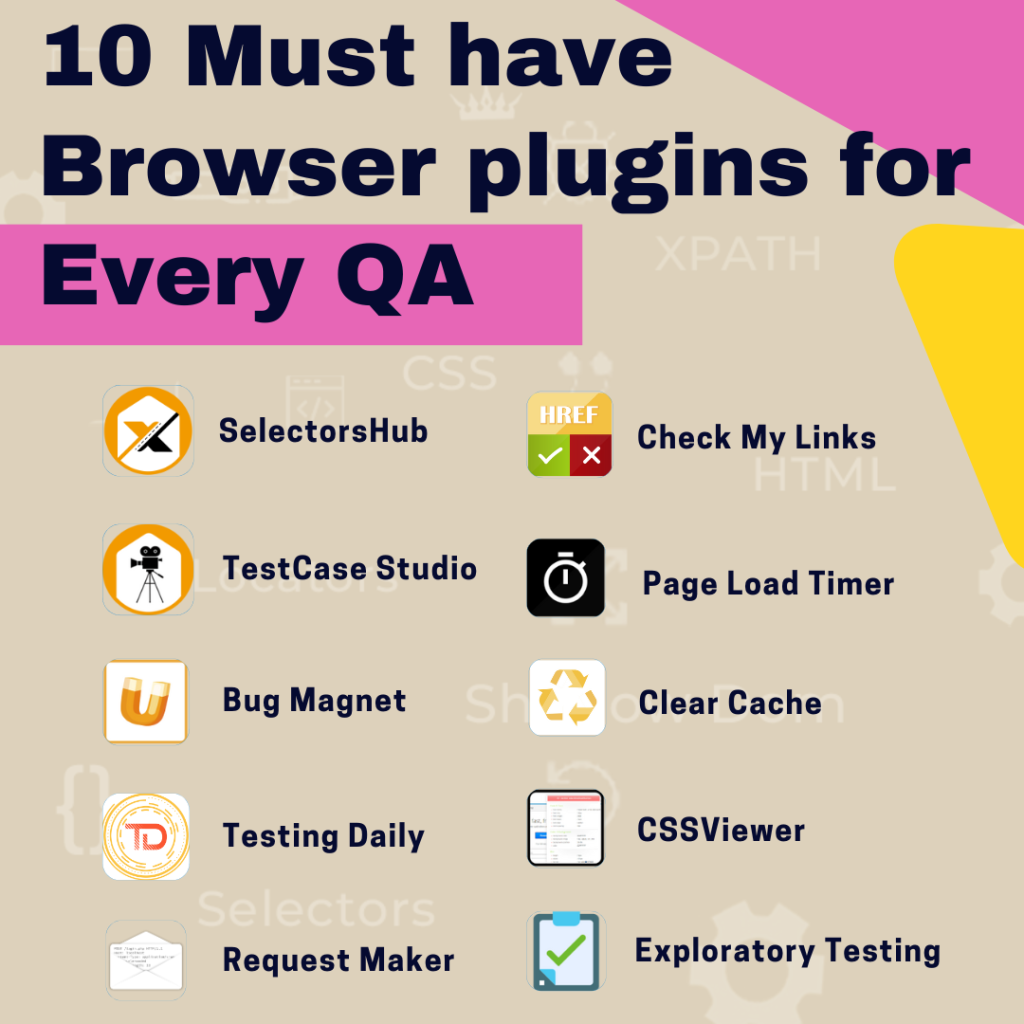
Top 10 Must Have Free Browser Free Browser Plugins for Every QA Please find the list of Top 10 must have browser extension for every Tester here – SelectorsHub XPath & Selectors Plugin TestCase Studio Recorder Plugin Check My Links Links Checker Page Load Timer Get Page Load Time Testing Daily App to get testing […]
How to use Check My Links
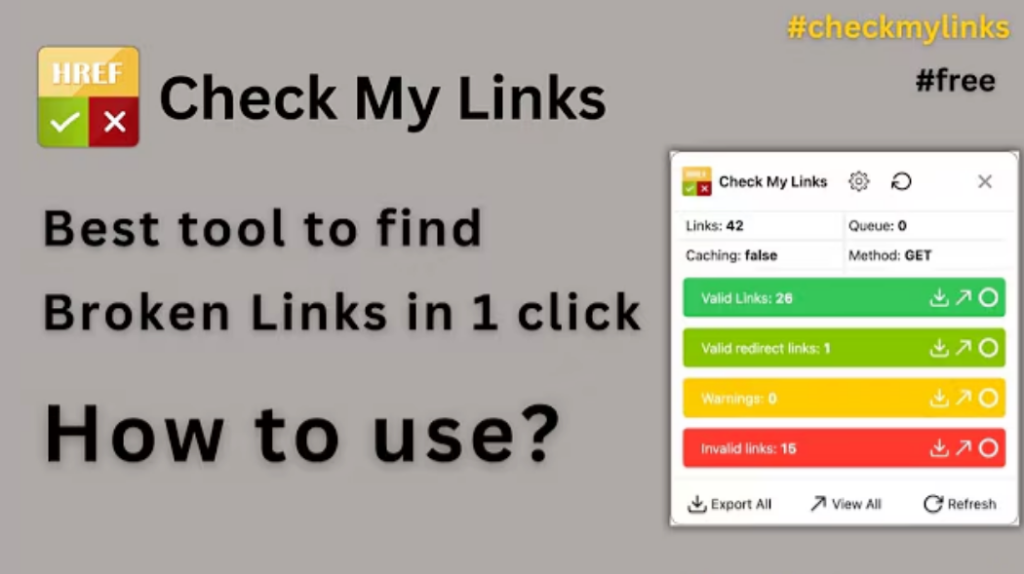
How to use Check My Links Extension! Topics How to Use Check My Links Summary Learn More General FAQ Check My Links browser extension Check My Links is a powerful browser extension designed to simplify link validation. Ensure your website’s links are functional, enhance SEO, and provide a seamless user experience effortlessly. Try it now! […]
How to list event in Testing Daily?
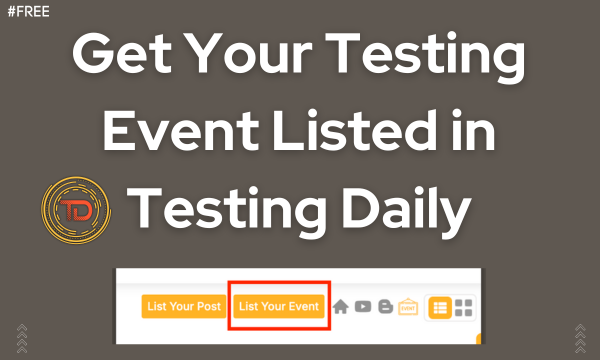
How to list event in Testing Daily? Topics Elevate Your Testing Event’s Visibility with Testing Daily! Summary Learn More General FAQ Discover QA Events with Testing Daily! Explore QA meetups, conferences, and webinars via browser extension or app.Organizers can list events by filling out a simple form. Reach 50,000+ testers worldwide today! Elevate Your Testing […]
Differences between SelectorsHub, TestCase Studio, Testing Daily and AutoTest data

Top Automated Testing Tools: A Comprehensive Comparison In today’s fast-paced software development world, automated testing tools have become indispensable. They streamline testing processes, ensure accuracy, and save valuable time for developers, QA analysts, and testers. But with so many tools available, how do you decide which one to use? This blog explores and compares four […]