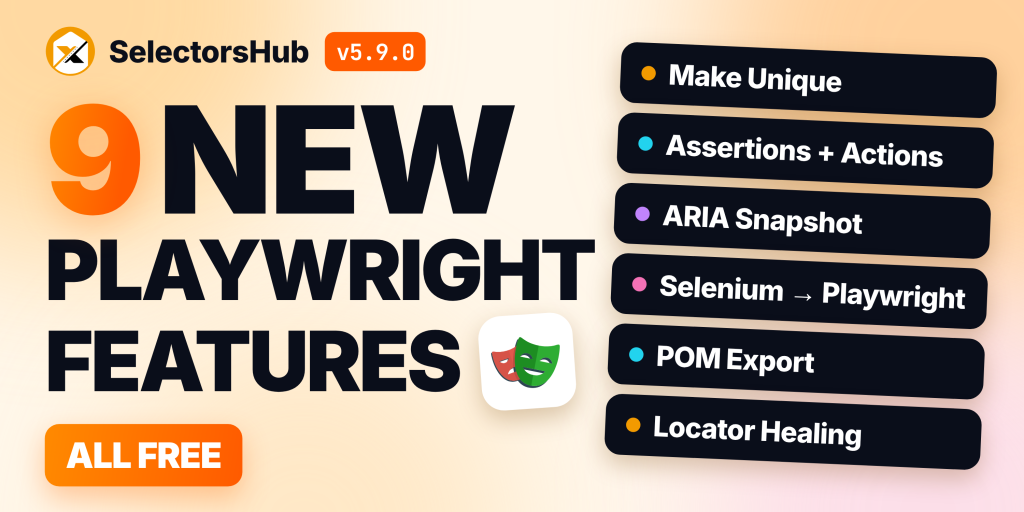
9 New Playwright Features in SelectorsHub 5.9.0, All Free
Finding a Playwright locator is the easy part. The time goes into everything after it: the locator matches three buttons, the assertion still has to be written, and the old Selenium suite is waiting to be migrated.
I hear this from testers at almost every meetup, and I run into it myself. So SelectorsHub 5.9.0 is about what happens after you have the locator. It adds nine features to the Playwright tab, and all of them are free.
Locators you can trust
1. Make Unique. When a locator matches more than one element, the row now shows a Make unique button. It offers chained alternatives that match only your element, such as getByRole('listitem').filter({ hasText: 'Product 2' }).getByRole('button', { name: 'Add to cart' }). Position-based nth() is offered last and flagged as brittle.
2. Test ID attribute. Many teams use data-cy or data-qa instead of data-testid. Set your attribute once, and getByTestId() is generated and verified against it, the same way testIdAttribute works in your Playwright config.
3. Version. Pick the Playwright version your project uses. Newer APIs, like locator.within(), are suggested only when your version supports them.
This release also fixes the Java, C# and Python output, so the locator you copy is the syntax Playwright expects in that language.
From a locator to a test
4. Assertions and actions. Every locator row has a Code button. It gives ready-to-paste lines for that element: actions that fit it (click, fill, check, select) and assertions that are true right now (visible, text, value, checked, enabled).
5. Steps. Press + on any of those lines to collect it. Steps turns the collected lines into a test skeleton that starts with page.goto() for the page you are on.
6. ARIA Snapshot. Inspect an element and get its ARIA snapshot as YAML, with the toMatchAriaSnapshot() assertion ready to copy. You can trim the snapshot before copying.
7. POM Page. Scan the page to collect its buttons, links and fields with unique locators and editable names, then export a page object class. TypeScript also gets a fixtures file.
All of these print in JS/TS, Java, Python or C#, whichever you have selected.
Migrating and maintaining
8. Selenium to Playwright. Paste your Selenium locators: By.id(...), @FindBy(...), Python’s By.XPATH, or a bare XPath or CSS. Each one is checked on the open page and shown with its match count, the direct Playwright translation, and a recommended user-facing locator such as getByRole when it points at a single element.
9. Locator Healing. Paste a spec file or a page object. Every Playwright locator in it is verified on the open page. Broken ones get a suggested replacement with the reason, for example that an id or a button name changed. Treat a suggestion as a starting point and confirm it is the element you meant.
Try it and tell me
Open SelectorsHub, switch to the Playwright tab, and you will find the new tools in the row under it. They work in both the DevTools panel and the Side Panel.
These features are new, so some rough edges are likely. If a locator looks wrong or a tool misses your case, please tell me. That feedback decides what I fix next.
SelectorsHub is built for testers, by a tester, and these nine features are free for everyone.
Download Link-
https://selectorshub.com/selectorshub/
Recent Post