
Installation

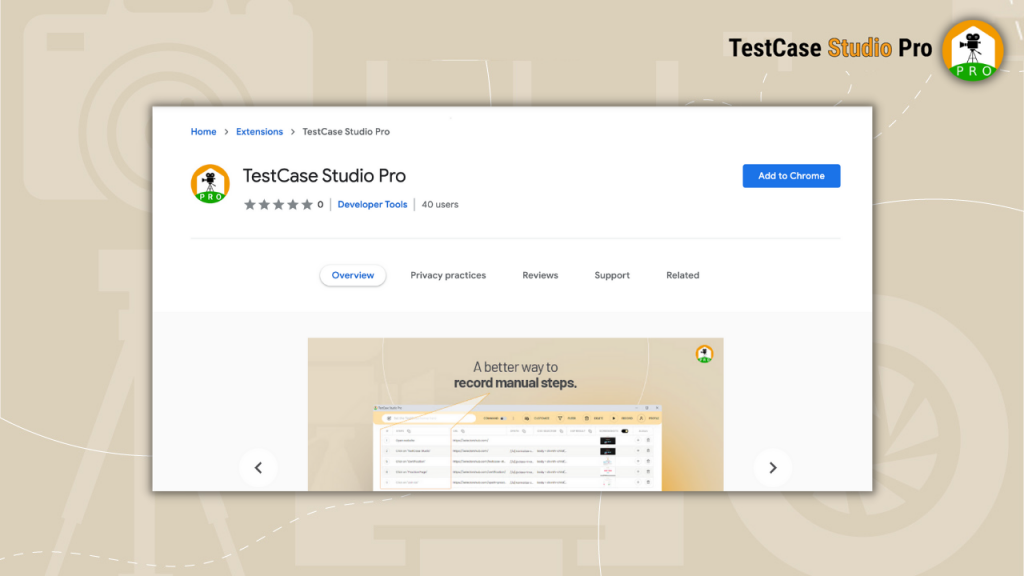
1- Click on install button of chrome. Currently you can use it for all the chromium browser with the same install button.

Chrome

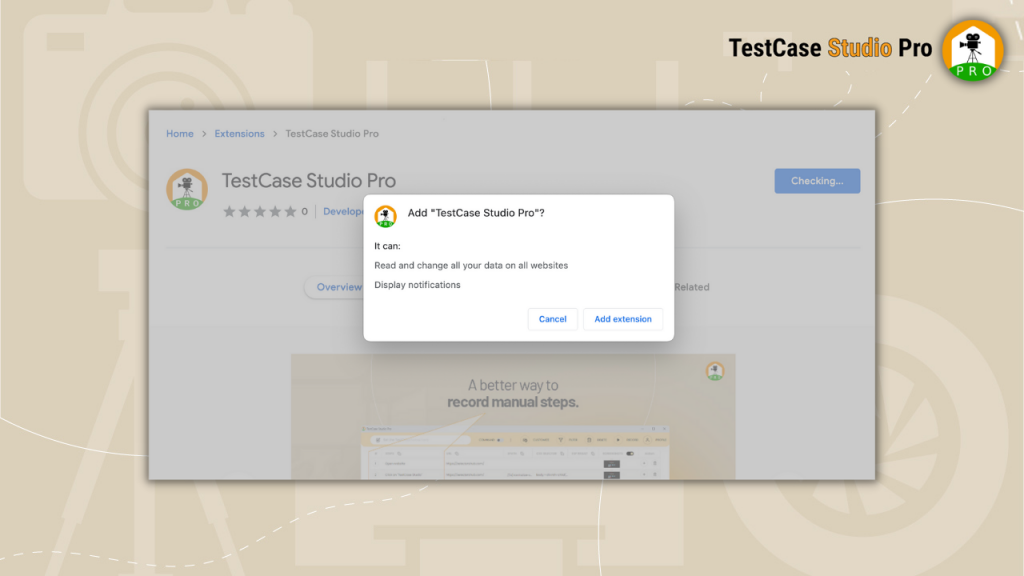
2- Here click on Add to Chrome button. It will show one popup, allow that and plugin got added in your browser. Restart the browser and enjoy using it.
3- Click on Add Extension.
4- Now extension got added in your browser. To see it, click on default extension icon on right top corner in the Browser toolbar.
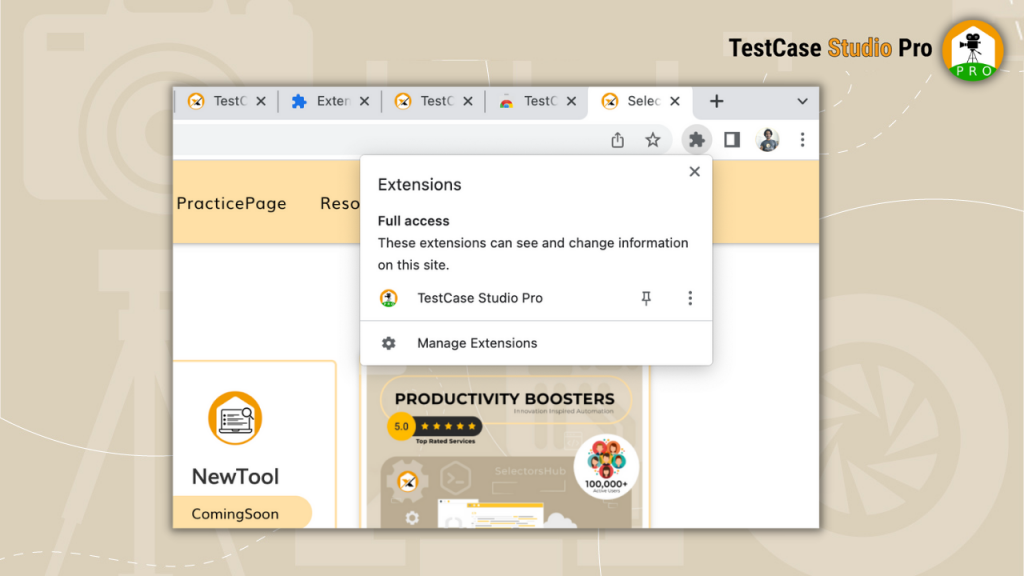
5- Click on Pin button to pin it to browser tool bar. Now extension logo will show on toolbar.
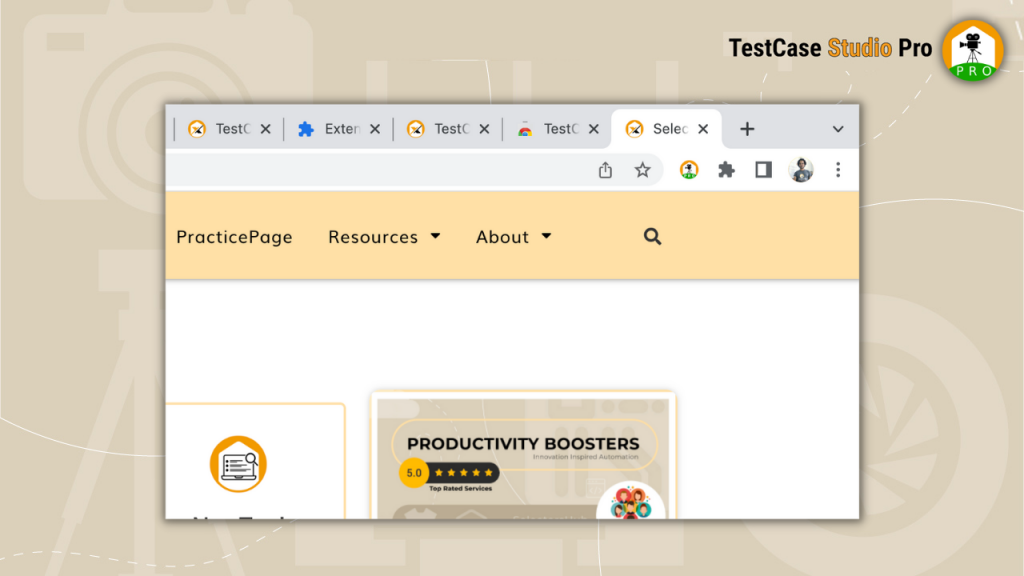
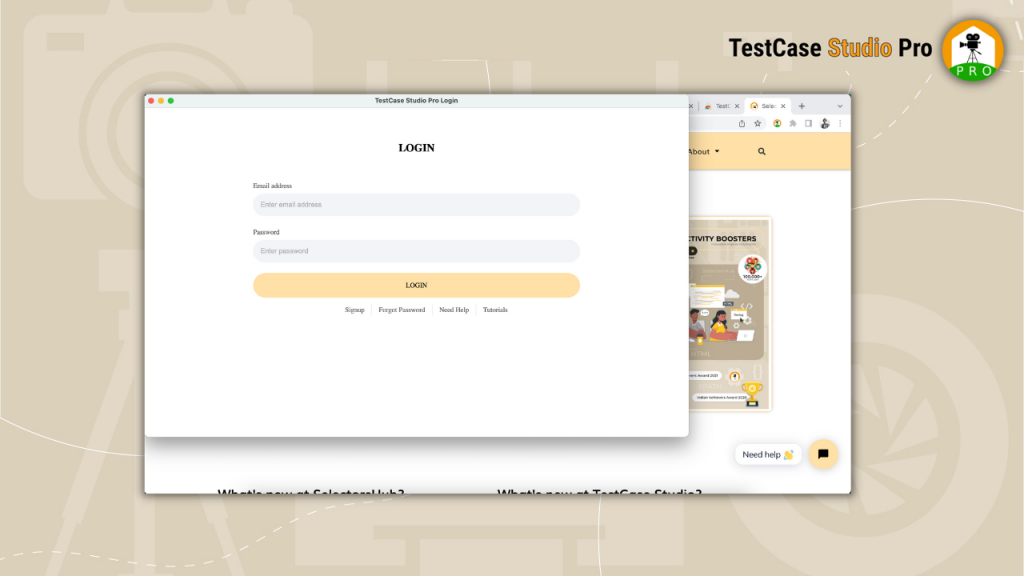
6- If you will click on logo, it will open TestCase Studio Pro window.

Installation is done and you are all set. Now you can jump on to the next section, “How to use TestCase Studio Pro?”
  • slot gacor
  • judi bola
  • desabet
  • slot gacor
  • desabet
  • desabet
  • toto togel
  • slot gacor
  • slot gacor
  • slot gacor
  • slot gacor
  • situs toto
  • desabet
  • desabet
  • rejekibetapk77.online -hoki
  • slot gacor
  • slot gacor
  • slot depo 5k
  • slot gacor
  • bandar togel
  • slot gacor
  • judi bola
  • slot gacor
  • toto slot
  • toto
  • situs toto
  • slot777
  • slot gacor
  • slot gacor
  • slot88
  • slot gacor
  • slot 5k
  • slot depo 5k
  • slot gacor
  • slot gacor
  • toto slot
  • slot gacor
  • toto
  • toto togel
  • situs togel
  • slot gacor
  • slot gacor
  • situs togel
  • toto
  • slot gacor
  • slot gacor
  • slot gacor
  • desabet
  • slot gacor
  • situs hk pools
  • slot gacor
  • hongkong pools
  • situs hk pools
  • slot gacor
  • depo 5k
  • toto
  • situs toto
  • situs toto
  • situs togel
  • situs togel
  • hongkong pools
  • hk pools
  • situs toto